Design Guidelines
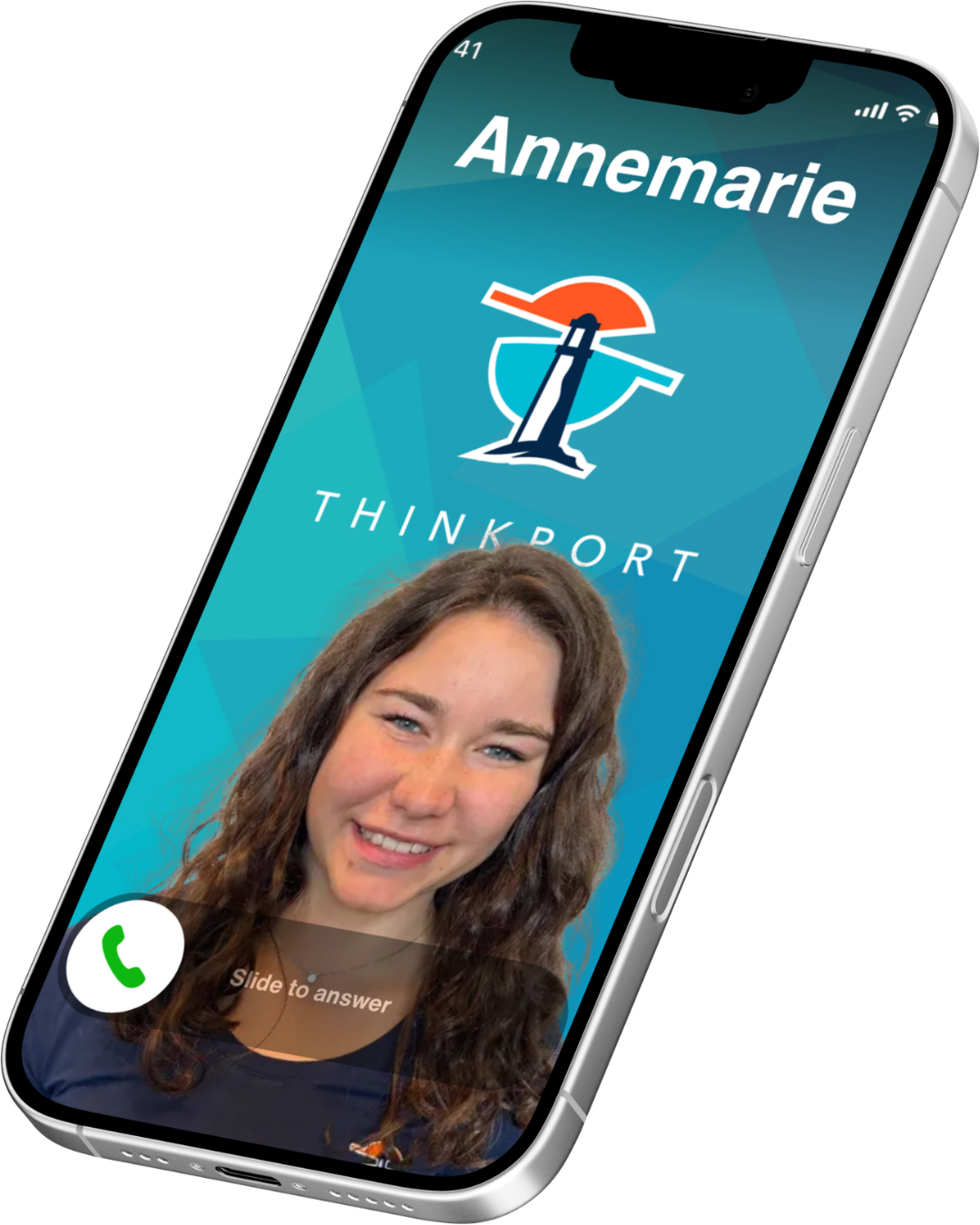
iOS posters are vertical graphics that combine the Thinkport poster template
(assets/ios/poster.png),
a portrait at the bottom, and an optional job title overlay. They are used for
team profiles and internal branding.
Layout
- Template: Fixed background (teal/blue geometric pattern, THINKPORT logo)
- Portrait: Composites at the bottom, full width, ~40% height
- Job title: Centered text below logo area (e.g. "Operations")
Output
- Format: PNG
- Dimensions: Same as template (read from
assets/ios/poster.png) - Use: Staff assets, release packaging, internal profiles
Examples
Sample iOS posters with template, portrait and job title. Generate more with
pnpm run generate:ios:poster:samples.
iOS Poster Generator
Use the script to generate a single poster (CLI or interactive) or batch samples.
The template is assets/ios/poster.png;
portrait is composited at the bottom and job title is overlaid.
Single poster (CLI)
pnpm run generate:ios:poster \
  --portrait path/to/portrait.png \
  --job-title "Operations" \
  --output output/ios-posters/poster.png
Interactive mode
Run without arguments to be prompted for portrait path, job title and output path.
pnpm run generate:ios:posterSample posters for showcase
Generate example posters into examples/ios/
from portraits in source/avatars or
examples/avatars (run
generate:avatar:samples first if needed).
pnpm run generate:ios:poster:samplesStaff assets (all active people)
iOS posters for every active Thinkport person (from the API) are generated into
release-assets/staff/ios-posters/
when you run the staff assets pipeline.
pnpm run generate:staff:assetsUsage
Portrait
- Portrait is scaled to cover the bottom portion of the poster
- Position: bottom-aligned, full width
- Use the same portrait sources as for avatars where possible
Job title
- Optional; from API
positionin staff pipeline - Rendered in white, centered below the logo area
- Short titles work best (e.g. Operations, Development, Consulting)